
Clarksville Schools wants to make it easy for families to stay informed.
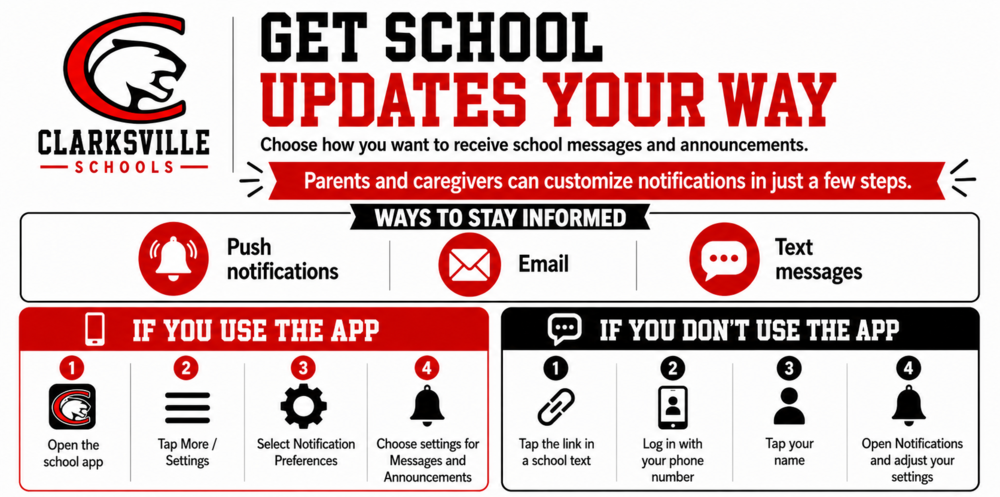
Parents and caregivers can customize how they receive school messages and announcements through our communication platform. Notification options include push notifications through the Clarksville Schools app, email notifications, and SMS text messages.
Families can also choose how they receive different types of updates, including messages and announcements.
If you use the Clarksville Schools app:
Open the app.
Tap More / Settings.
Select Notification Preferences.
Choose your preferred settings for Messages and Announcements.
If you do not use the app:
Tap the link included in a school text message.
Log in using your mobile phone number.
Tap your name.
Open Notifications and adjust your settings.
We encourage all Clarksville Schools parents and caregivers to take a few minutes to review their notification preferences. Keeping your settings up to date is one of the easiest ways to stay connected and make sure you receive important information from your child’s school and the district.
Stay connected and never miss an update from Clarksville Schools!